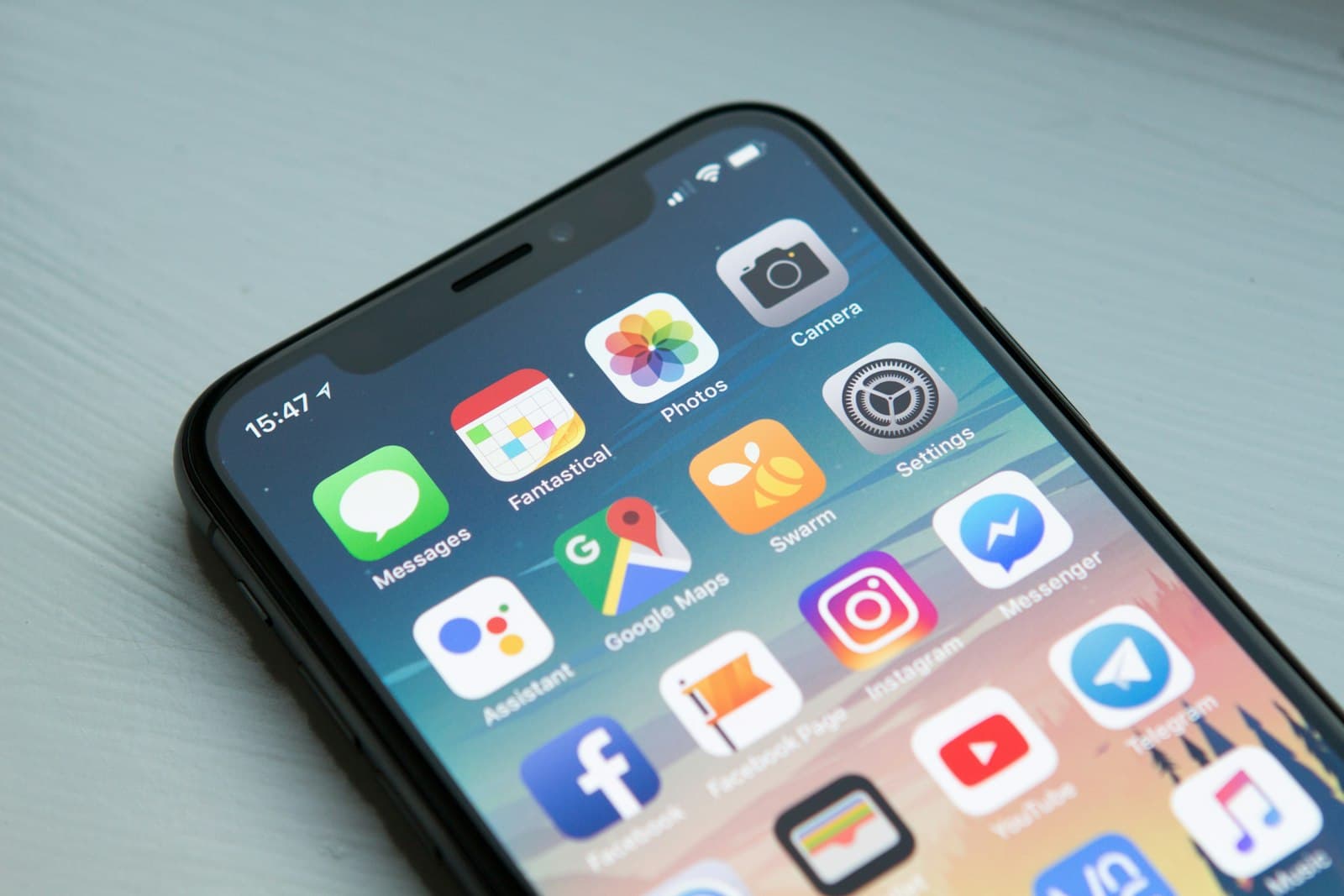
Most Airbnb footage starts wrong for social: landscape phone video, DSLR tours, or square stories leftovers. To resize Airbnb video for Instagram Reels and TikTok you need true 9:16. If you publish letterboxed or poorly cropped clips, reach drops and the property looks amateur. This guide covers Instagram Reels size 1080×1920 and how to resize your video for Instagram without installing desktop software.
Instagram Reels size 1080×1920 (and TikTok / Shorts)
- Instagram Reels & Stories: 1080×1920 (9:16)
- TikTok & YouTube Shorts: 1080×1920 (9:16)
- Instagram Feed portrait: 1080×1350 (4:5) — optional for feed posts
- Instagram Feed square: 1080×1080 — still useful for carousels
- Cover / thumbnail stills: match the destination (usually 9:16)
For discovery on Reels and TikTok, default everything to 9:16. Feed-only formats are secondary. One vertical master can power Reels, TikTok, and Shorts with almost no rework.
Resize vs. crop vs. reframe (hosts mix these up)
- Resize: change pixel dimensions — can stretch if you ignore aspect ratio.
- Crop: cut edges to hit a ratio — may lose the sofa, sea view, or host face.
- Reframe: crop + pan/scale so the subject stays in frame — what you actually want for property tours.
When you resize your video for Instagram, pick a Reels preset (1080×1920), then drag the media inside the frame and use scale to keep beds, kitchens, and balconies visible — not blindly stretch.
How to crop Airbnb video for TikTok and Reels (step-by-step)
- Export or download your source MP4/MOV (phone camera roll or listing tour).
- Open the free Resize Video tool and choose Reels & Stories · 1080×1920.
- Upload the file — processing stays on your device for privacy.
- Drag to center the hero subject (bed, ocean view, dining table) and adjust scale.
- Export MP4 and upload to Instagram Reels / TikTok / Shorts.
Common crop mistakes that hurt bookings
- Cutting off ceiling height in small apartments — makes spaces feel cramped
- Losing windows/views on the edge of landscape footage
- Centering empty floor instead of the amenity guests care about
- Publishing with black bars — Instagram may still accept it, but retention falls
- Using 1:1 masters for Reels — wasted pixels and weaker discovery
When to use other presets
Not every asset is a Reel. Profile photos, LinkedIn property posts, or Pinterest pins need different frames. A good resize tool should offer Instagram, TikTok & Shorts, Facebook & LinkedIn, wallpaper, and custom width/height — so you resize your video for Instagram today and export a square still for a carousel tomorrow from the same source.
Privacy and speed for professional hosts
Unreleased renovations, guest-occupied rooms, and client properties should not sit on random cloud editors. Browser-local resize (no account, no upload) is ideal for freelancers and property managers who need MP4 out in minutes. Pair that with Rentager for calendars and guest ops so marketing and operations stay in sync.
Resize your next 9:16 video for Airbnb Reels now
Grab your best walkthrough, open Resize Video, set 9:16, reframe the hero shot, and export. When you need to resize your video for Instagram, use the free Reels Editor tool — private, no watermark, ready for Instagram Reels, TikTok, and YouTube Shorts.
More articles
How to Add Your Airbnb Logo to Instagram Reels (Free)
Add logo to Instagram Reels for Airbnb hosts — transparent PNG, 9-point placement, and a free browser tool to brand vacation rental video.
How to Make Instagram Reels for Your Airbnb (Host Guide)
Long-tail playbook: how to make Instagram Reels for Airbnb — hooks, 9:16 framing, property tours, and a free Instagram Reels editor that keeps footage on your device.